
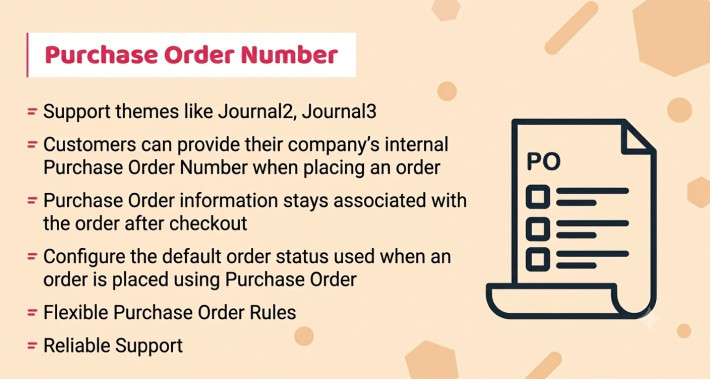
Purchase Order Number
Accept Purchase Order as a payment method in OpenCart.
Allow customers to enter a Purchase Order Number and upload their PO document during checkout. Use flexible rules based on Store, Customer Group, Geo Zone and Order Total to control when Purchase Order is available and whether PO information is required or optional.
Includes a dedicated Purchase Order List page, PO information in admin and customer order details, configurable file types, default order status, and order-history notification options.
Single Domain License
$49.00
$39.00

Purchase Order Number
This extension add Purchase Order as a payment method and let customers provide their Purchase Order Number and supporting PO document during checkout.
Customers can enter their Purchase Order Number and optionally upload their Purchase Order File during checkout. The submitted PO information remains associated with the order and can be accessed by both the store administrator and the customer.
For Store Admin this extension allows you to offer Purchase Order as a payment option and control exactly when it is available using flexible rules based on store, customer group, geo zone, and order total.
Key Features
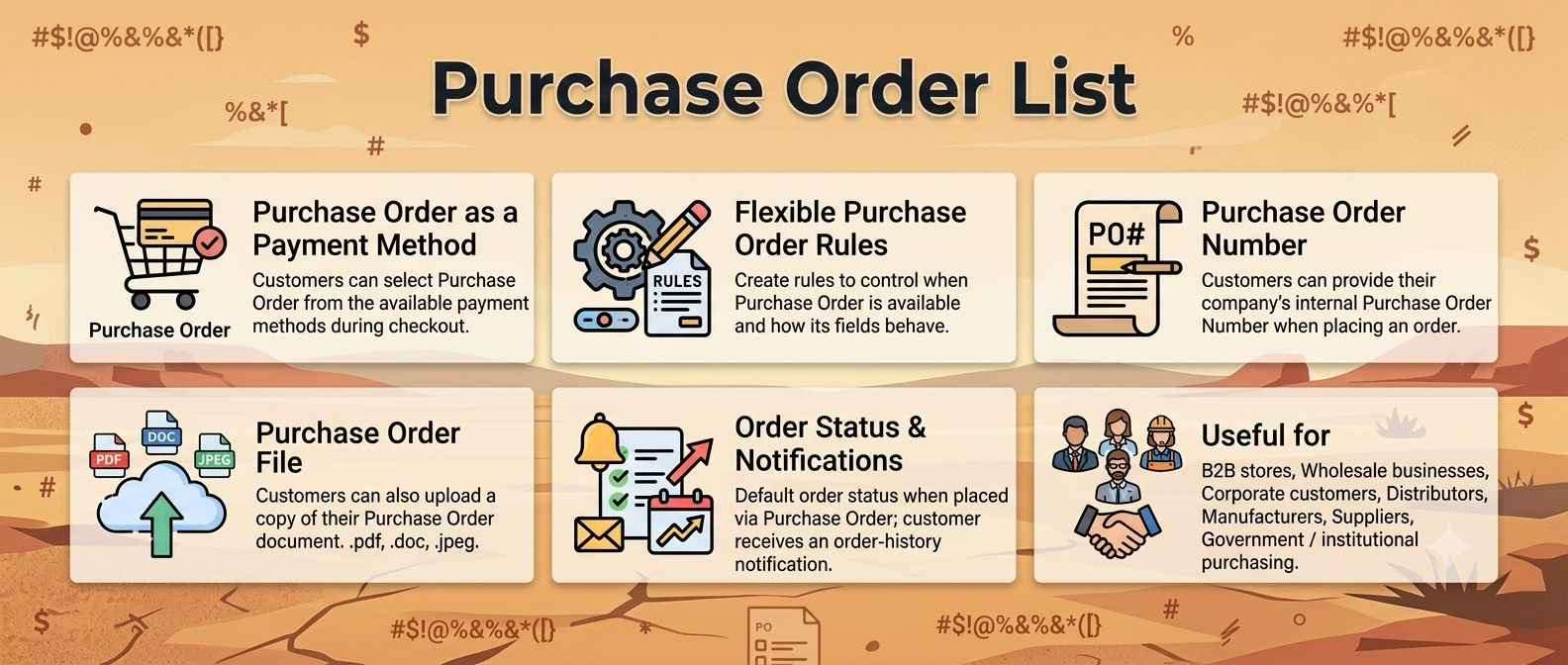
Purchase Order as a Payment Method
Customers can select Purchase Order from the available payment methods during checkout.
When selected, the checkout displays the Purchase Order fields according to your configured rules.
Flexible Purchase Order Rules
Create rules to control when Purchase Order is available and how its fields behave.
Each rule can be configured using:
Rule | Configuration |
Store | Select the store |
Customer Group | Select the customer group |
Geo Zone | Select the applicable geo zone |
Total | Define the minimum/order total condition |
| Purchase Order Number | Show & Required / Show & Optional |
Purchase Order File | Show & Required / Show & Optional / Hide |
For example:
Default Store + Default Customer Group + UK Shipping Zone + Total £100 or more
→ Purchase Order Number: Required
→ Purchase Order File: Optional
This allows you to offer Purchase Order payment only to customers and orders that meet your business requirements.
Field: Purchase Order Number
Customers can provide their company's internal Purchase Order Number when placing an order.
The PO number can be configured as:
• Show & Required
• Show & Optional
This makes the extension suitable for both businesses that require a PO number and stores where providing one is optional.
Field: Purchase Order File
Customers can also upload a copy of their Purchase Order document.
The PO file can be configured as:
• Show & Required
• Show & Optional
• Do not Show
You can also define the allowed file extensions / MIME types, allowing you to control which types of documents customers are permitted to upload.
For example:
• .pdf
• .doc
• .docx
• .txt
• and other configured file types
Purchase Order Information in Orders
Purchase Order information stays associated with the order after checkout.
The PO details are available from the Admin Order Information page, allowing administrators to quickly review the customer's:
• Purchase Order Number
• Purchase Order File
Customers can also see their Purchase Order information from their Order History → Order View page.
Purchase Order List
The extension provides a dedicated Purchase Order List page in the administration area.
It provides a centralized view of purchase orders with information such as:
• Order ID
• Purchase Order Number
• Purchase Order File
This makes it easier for administrators to find and manage orders placed using Purchase Order payment.
Order Status & Notifications
Configure the default order status used when an order is placed using Purchase Order.
You can also control how the PO number is handled in order history:
Add PO Number to Order History Comment
Yes / No
Automatically include the customer's Purchase Order Number in the order history comment.
Notify Customer About Order History
Yes / No
Control whether the customer receives an order-history notification when the configured order history update is created.
Suitable For
Purchase Order payment is particularly useful for:
• B2B stores
• Wholesale businesses
• Corporate customers
• Distributors
• Manufacturers
• Suppliers
• Government / institutional purchasing
• Businesses accepting company purchase orders
• Stores requiring PO documentation before processing an order
Why Use Purchase Order Number?
Many business customers do not purchase products in the same way as regular consumers. Their orders may need to reference an internal Purchase Order (PO) issued by their purchasing department.
For example: many business, government, and corporate buyers need to place orders against a Purchase Order. This extension acts as a payment method at checkout: the customer simply chooses "Purchase Order" from the payment list, enters their PO number, and can attach the PO document.
Instead of asking customers to enter PO information into an order comment or send it separately by email, this extension provides a dedicated checkout process for collecting and managing the information.
Customer selects Purchase Order → Provides PO Number → Uploads PO document → Places order → Store administrator manages the PO with the order.
Simple, Flexible and Business-Focused
Purchase Order Number turns Purchase Order into a proper OpenCart payment method with configurable rules, PO number collection, document upload, order integration, and a dedicated Purchase Order management list.
How does payment work?
No online payment is captured when the customer checks out with Purchase Order. The order is placed against the customer's PO number and you collect payment offline (invoice, bank transfer, check, or agreed credit terms) — exactly like B2B "pay on account" ordering. Use the rules system to restrict this method to trusted business customer groups.

Frequently Asked Questions (FAQ)
Q1. How does the "Purchase Order Number" payment method work?

It appears in the checkout alongside your other payment methods (Card, PayPal, etc.). When the customer selects Purchase Order, they enter their PO Number (and upload the PO file if enabled). The order is then placed without any online payment being taken — just like B2B "pay on account" ordering.
Q2. Is any online payment captured with this method?
No. This extension is not a payment gateway. No card, PayPal, or other online payment is processed. It simply records the customer's PO number and file as a reference for the order.
Q3. How does the customer actually pay for the order?
Payment is collected offline by the store owner after the order is placed — typically by invoice, bank transfer, check, or agreed credit terms (e.g., Net 15/Net 30). The PO number lets you match the order to the customer's internal purchase approval.
Q4. What happens after I (Store Owner) receive the offline payment?
Once you have collected the payment offline, it is important to manually update the order status in your OpenCart admin (e.g., to "Complete" or "Processed"). This step is done by you in the standard OpenCart order workflow — the extension has no role in the offline payment or order status update process. The extension only captures and displays PO details; everything after checkout is handled through OpenCart's normal order management.
Q5. Can I control which customers can use Purchase Order?
Yes. The rules system lets you restrict the method by store, customer group, geo zone, and minimum order total. We recommend limiting it to trusted business/wholesale customer groups so retail shoppers cannot order without paying.
Q6. Can I make the PO Number or PO File mandatory?
Yes, per rule. Each field can be set to Show & Required, Show & Optional, or hidden (Do not Show / Hide).
Q7. What file types can customers upload?
You define the allowed file extensions / MIME types in the module settings (e.g., .txt, .doc, .pdf). Uploads with disallowed types are rejected at checkout.
Q8. Where can I see the PO details in the admin?
•    On the Order Info page (Sales → Orders → View)
•    On a dedicated Purchase Order List page, showing Order ID, PO Number, and PO File for quick reference.
Q9. Where does the customer see their PO details?
In their Order History / Order View page in their account. You can also optionally add the PO number to the order history comment and notify the customer by email (Yes/No settings).
Q10. What order status does a PO order get?
You set a Default Order Status in the module settings (e.g., "Processing" or a custom status like "Awaiting PO Payment"), so your team knows the order still requires offline payment collection.

* Support themes like Journal2, Journal3
* As payment method, it is expected to auto-support Quick Checkout, Ajax Checkout plugins out of box.
* Flexible Purchase Order Rules
[quote]Default Store + Default Customer Group + UK Shipping Zone + Total £100 or more[/quote]
[quote]→ Purchase Order Number: Required[/quote]
[quote]→ Purchase Order File: Optional[/quote]
* Customers can provide their company's internal Purchase Order Number when placing an order.
* Simple, Flexible and Business-Focused
* PO number Required or Optional
* PO document Required or Optional or Hide
* Purchase Order information stays associated with the order after checkout
* Customers can also see their Purchase Order information from their Order History → Order View page
* Dedicated Purchase Order List page in the administration area.
* Configure the default order status used when an order is placed using Purchase Order
* Quality code by best professionals among market
* No core files overwritten or replace
* Follow OpenCart code architecture
* Simple module installation and enable/disable at anytime
* Well organize documentation and presentation
* Simple and easy installation
* Dedicated support team for quick extension support
- Documentation Included
- Develop By Module Points
- 12 Months Support
Last Update
08 Oct 2026
Created
07 Oct 2026
Multi-Language
No
Multi-Store
Yes
Rating
Compatibility
3.0.4.0, 3.0.3.9, 3.0.3.8, 3.0.3.7, 3.0.3.6, 3.0.3.5, 3.0.3.3, 3.0.3.2, 3.0.3.1, 3.0.3.1, 3.0.3.0, 3.0.2.0, 3.0.1.2, 3.0.1.1, 3.0.0.0