
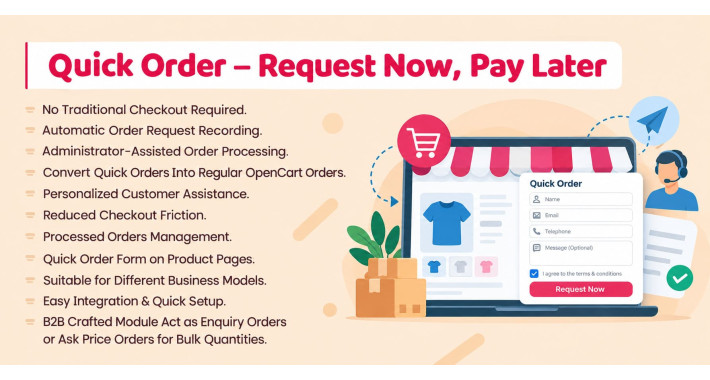
Quick Order – Request Now, Pay Later
Not every customer wants to go through a lengthy checkout process. Some customers prefer to speak with a store representative before confirming their purchase, discussing shipping arrangements, or selecting a payment method.
Single Domain License $29.99

Quick Order – No Checkout Required
Simplify Product Ordering, Capture More Sales Opportunities, and Process Orders Directly From the Admin Panel.
Not every customer wants to go through a lengthy checkout process. Some customers prefer to speak with a store representative before confirming their purchase, discussing shipping arrangements, or selecting a payment method.
Quick Order makes this possible by allowing customers to submit an order request directly from the product page without navigating through the traditional OpenCart checkout process.
Customers simply select their desired product options, enter their name, email address, and telephone number, agree to the terms and conditions, and submit their request.
The system securely records the request along with the selected product and its options. A store representative can then contact the customer, confirm the order details, discuss payment and shipping arrangements, and process the request into a regular OpenCart order.
This creates a convenient bridge between customer enquiries and actual sales, helping stores provide a more personalized purchasing experience.
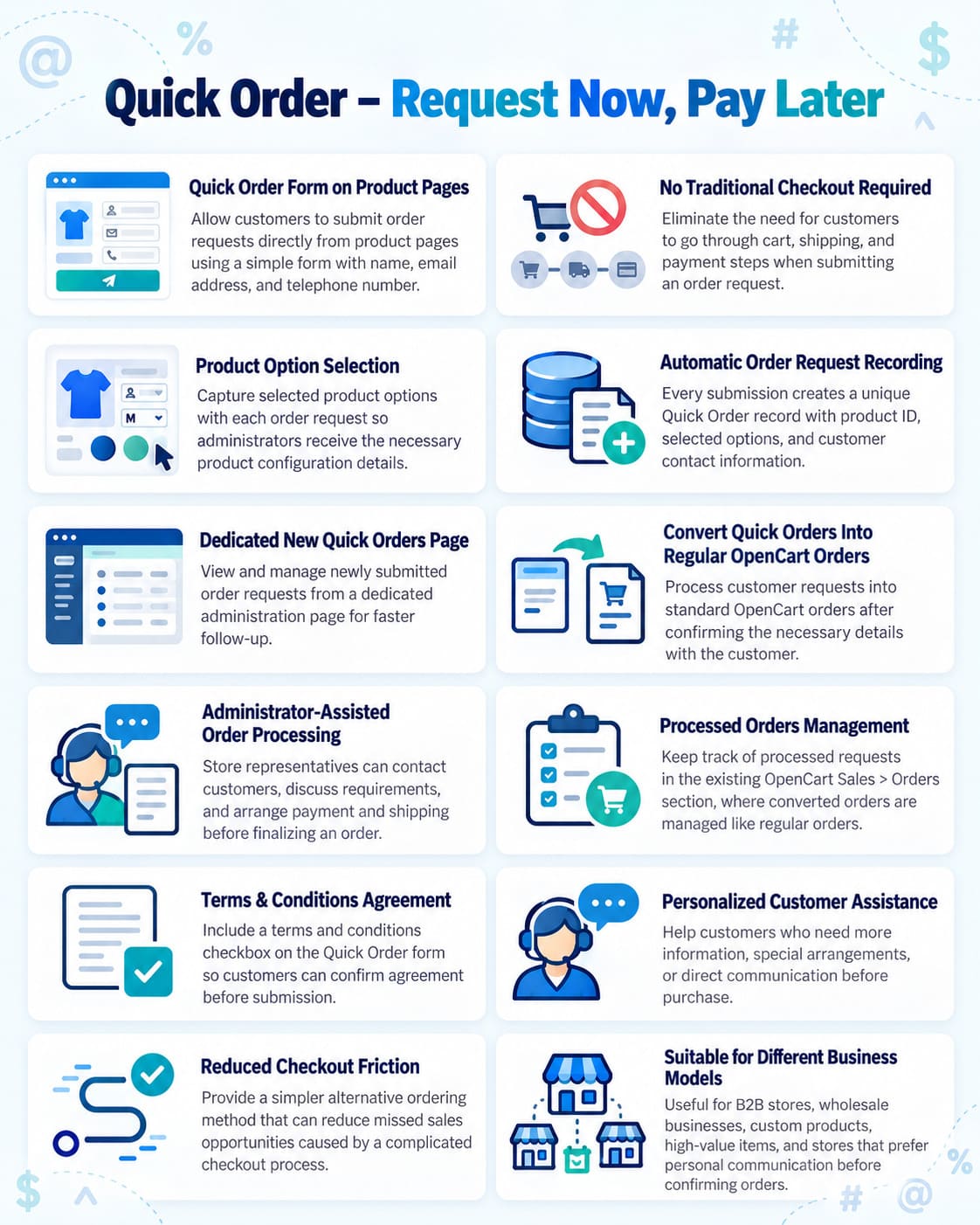
Key Features
1. Quick Order Form on Product Pages
Allow customers to submit order requests directly from product pages using a simple form with name, email address, and telephone number.
2. No Traditional Checkout Required
Eliminate the need for customers to navigate through cart, shipping, and payment steps when submitting an order request.
3. Product Option Selection
Capture selected product options along with each order request, ensuring administrators have the necessary product configuration details.
4. Automatic Order Request Recording
Every submission creates a unique Quick Order record containing the product ID, selected options, and customer-provided contact information.
5. Dedicated New Quick Orders Page
View and manage newly submitted order requests from a dedicated administration page, making it easier to identify requests that require attention.
6. Convert Quick Orders Into Regular OpenCart Orders
Process customer requests into standard OpenCart orders after confirming the necessary details with the customer.
7. Administrator-Assisted Order Processing
Give store representatives the flexibility to contact customers, discuss their requirements, and arrange payment and shipping before finalizing an order.
8. Processed Orders Management
Keep track of processed requests through the existing OpenCart Sales > Orders section, where converted orders are managed like regular orders.
9. Terms & Conditions Agreement
Include a terms and conditions checkbox on the Quick Order form so customers can provide their agreement before submitting requests.
10. Personalized Customer Assistance
Help customers who require additional information, special arrangements, or direct communication before proceeding with a purchase.
11. Reduced Checkout Friction
Provide an alternative ordering method for customers who prefer a simpler process, potentially reducing missed sales opportunities caused by complicated checkout steps.
12. Suitable for Different Business Models
Useful for B2B stores, wholesale businesses, custom products, high-value items, and stores that prefer personal communication before confirming orders.
How Quick Order Works
Step 1 – Customer Selects a Product
The customer visits a product page and selects the required product options.
Step 2 – Customer Submits a Quick Order
The customer enters their name, email address, and telephone number, accepts the terms and conditions, and submits the Quick Order form.
Step 3 – Order Request Is Recorded
The system creates a unique Quick Order record containing the customer's contact information, product details, and selected options.
Step 4 – Administrator Reviews the Request
Newly submitted requests appear on the New Quick Orders page in the OpenCart administration panel.
Step 5 – Store Representative Contacts the Customer
The administrator contacts the customer to confirm product requirements and discuss shipping, payment, or other necessary arrangements.
Step 6 – Administrator Processes the Order
Once the details are confirmed, the request can be converted into a regular OpenCart order.
Step 7 – Manage the Processed Order
The resulting order becomes available under Sales > Orders and can be managed through OpenCart's standard order management workflow.
Why Choose Quick Order?
Quick Order combines the convenience of a simplified order request form with the flexibility of administrator-assisted sales.
Instead of forcing every customer through the standard checkout process, it gives shoppers an alternative way to express their purchasing intent while allowing store owners to finalize transactions personally.
Capture the request first. Confirm the details personally. Complete the order through OpenCart.


Quick Order Form on Product Pages
No Traditional Checkout Required
Product Option Selection
Automatic Order Request Recording
Dedicated New Quick Orders Page
Convert Quick Orders Into Regular OpenCart Orders
Administrator-Assisted Order Processing
Processed Orders Management
Personalized Customer Assistance
Reduced Checkout Friction
Suitable for Different Business Models
B2B crafted module act as enquiry orders or ask price orders for bulk quantities
- Documentation Included
- Develop By Module Points
- 6 Months Support
Last Update
24 Oct 2026
Created
15 Mar 2025
Multi-Language
Yes
Multi-Store
Yes
Rating
Compatibility
3.0.4.0, 3.0.3.9, 3.0.3.8, 3.0.3.7, 3.0.3.6, 3.0.3.5, 3.0.3.3, 3.0.3.2, 3.0.3.1, 3.0.3.1, 3.0.3.0, 3.0.2.1 (Beta), 3.0.2.0, 3.0.1.2, 3.0.1.1, 3.0.0.0